
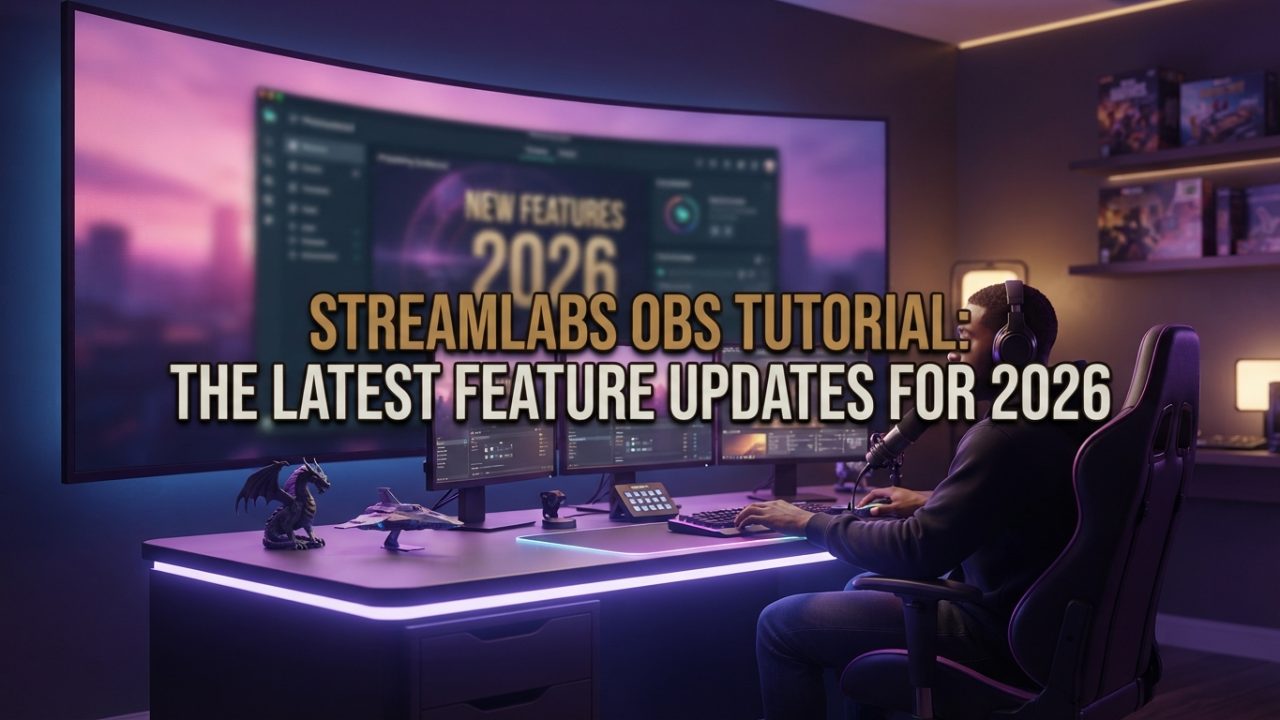
Tech news for streamers is here! This streamlabs obs tutorial news roundup covers Streamlabs Desktop's new features in 2026, including a built-in chat assistant, adding or removing stream destinations while live, gameplay-triggered automations, Network Boost on mobile, Patreon streaming support, and a platform shutdown every streamer should know about before planning their next broadcast.
Key Takeaways
This year's streamlabs obs tutorial topic must include the in-app chat assistant for setup and troubleshooting
Live Output Editing adds or removes destinations without stopping your stream
Gameplay-triggered automations switch scenes and save replays automatically
Streamlabs added Patreon streaming support in May 2026
Streamlabs OBS Tutorial: New Features to Know
1. In-app chat assistant (September 17, 2026) — manage settings, troubleshoot, and tweak options on the fly
2. Live Output Editing (September 15, 2026) — add or remove stream destinations while live
3. Gameplay-triggered automations (August 20, 2026) — switch scenes, save replays, or trigger effects based on in-game events
4. Network Boost (July 29, 2026) — steadier mobile and IRL streams without extra hardware
5. Patreon support (May 21, 2026) — stream to Patreon supporters from Streamlabs Desktop or the Streamlabs plugin for OBS
What Can the In-App Chat Assistant Do?
The most interesting feature for beginners is the chat assistant built into Streamlabs Desktop. You can type questions about settings or problems, or ask it to adjust options, instead of digging through layered menus or manuals. It dramatically cuts the learning curve for new streamers and changes the traditional streamlabs obs tutorial approach of explaining every menu one by one.
Highlights Carried Over From 2025
Stream Shift lets you swap between desktop and mobile without ending your stream
Support for Twitch Enhanced Broadcasting
AI features such as automations and reactive overlays
Expanded game support for the Highlighter clip tool
News Streamers Should Know: Trovo Shut Down
Another important development is that the streaming platform Trovo ended its service on June 30, 2026, and Streamlabs published preparation guidance beforehand. Streamers who used it had to move elsewhere, another reason many now multistream, which makes Live Output Editing especially well-timed.
How Do Streamlabs Desktop and OBS Studio Differ?
Beginners often ask which to choose. OBS Studio is lightweight open-source software with deep customization but needs plugins for many widgets. Streamlabs Desktop is built on OBS but bundles widgets, overlays, and streaming tools, making it easier for newcomers. If you prefer OBS Studio, the Streamlabs plugin adds some of those features, so most streamlabs obs tutorial guides can be followed either way.
How Do Gameplay-Triggered Automations Work?
This feature lets you set conditions so that when something happens in a game, the software responds, such as switching scenes on a loading screen, saving a replay when you score, or triggering an effect when you win. It reduces the tasks streamers juggle during a broadcast and makes streams look more polished without a support team.
Who Benefits From Network Boost?
Network Boost suits people streaming from phones or on location, where connections are often unstable. It helps keep video steadier without buying extra hardware, ideal for travel streamers and outdoor event broadcasts.
Why These Updates Matter
Together, these features show a clear direction: making streaming easier, more automated, and more flexible across platforms. For newcomers, that means less time wrestling with settings and more time building an audience, which is exactly what any streamlabs obs tutorial ultimately aims to achieve.
What to Know Before Updating
Streamlabs Desktop updates automatically, and updates currently cannot be disabled or delayed. Check the patch notes after each update and run a private test stream before going live to make sure your settings still work. If you already use OBS Studio, the Streamlabs plugin still adds widgets. For setup basics, see our obs tutorial and twitch stream setup guides.
Getting Started With Streamlabs Desktop
If you are new, download the software from the official site, connect the platforms you will stream to, pick an overlay from the library, and use the in-app chat assistant to configure video and audio. Then run a private test stream. Once comfortable, explore advanced features like gameplay-triggered automations or multistreaming. Learning this way makes any streamlabs obs tutorial far less intimidating than it first appears.
Keep an eye on the official patch notes and Streamlabs content hub, where new features are explained soon after release. Checking them monthly ensures your streamlabs obs tutorial knowledge stays current as the software keeps evolving throughout the year.
Common Setup Mistakes to Avoid
New streamers often set bitrate higher than their upload speed can handle, forget to check audio levels, or skip private test streams. Others stack too many widgets and overlays, cluttering the screen and straining their computer. Keeping scenes clean, testing before every broadcast, and adding features gradually avoids most problems covered in any streamlabs obs tutorial, and the in-app assistant can now help diagnose issues quickly when something does go wrong.
It is also worth backing up your scene collection before major updates. Streamlabs Desktop lets you save and restore scenes, so if an update changes something unexpectedly, you can return to a working setup in minutes instead of rebuilding everything from scratch right before a scheduled stream.
With these habits in place, you can explore every new feature with confidence, knowing a quick restore is always available if something goes wrong before a stream.
As the software keeps evolving, the streamers who thrive are the ones who stay curious, test new tools on off-stream time, and adopt only the features that genuinely improve their broadcasts rather than chasing every shiny addition at once. Steady, thoughtful upgrades beat constant tinkering, especially when viewers expect a reliable stream on schedule every week without surprises.
In short, the 2026 streamlabs obs tutorial landscape has plenty of new ground: an in-app chat assistant, editing destinations while live, gameplay-triggered automations, Network Boost, and Patreon support, while Trovo has shut down. Check patch notes and test before every stream, and you will get the most from the new features. Which one do you want to try first?